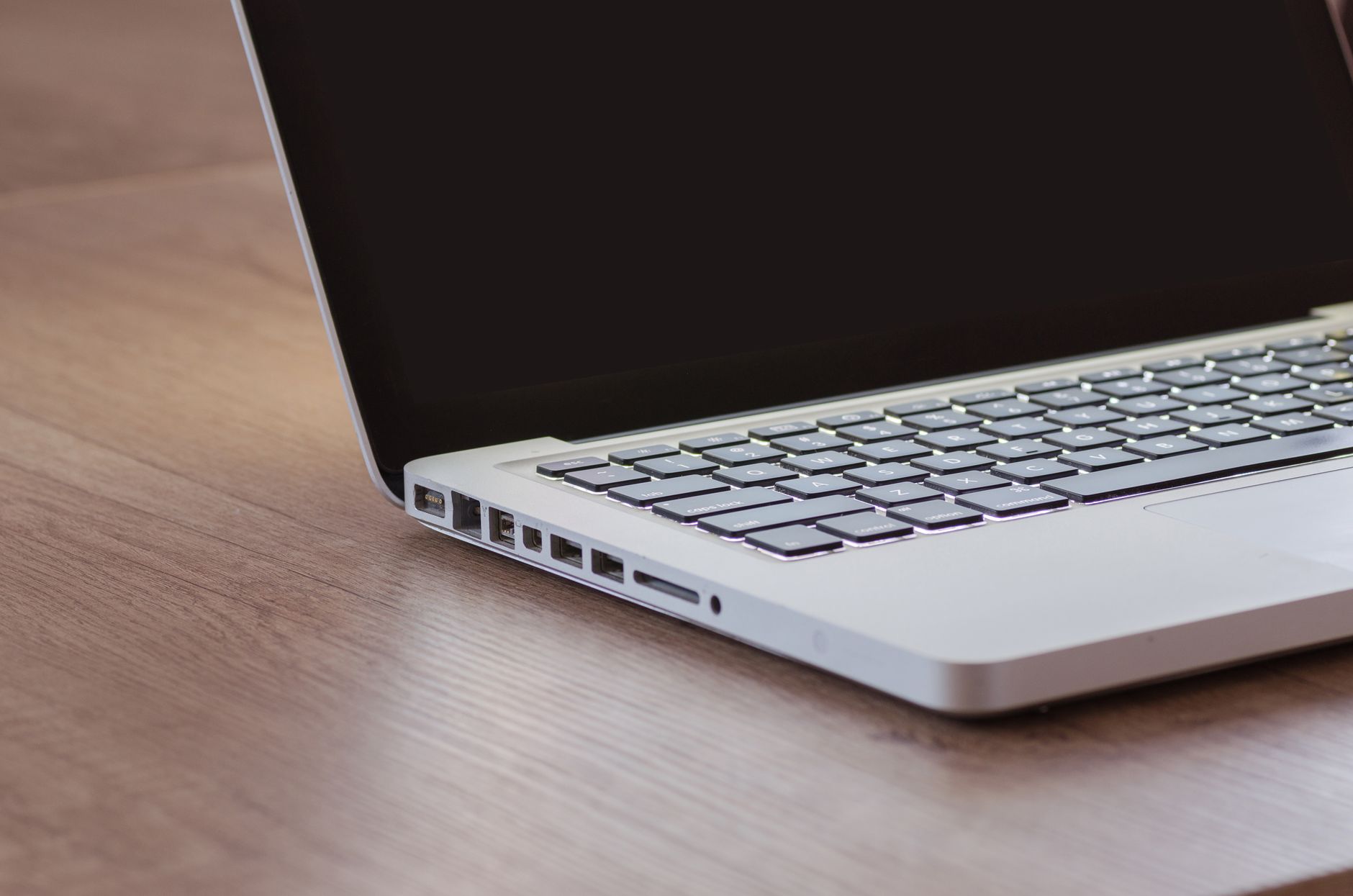
Diagnostics before decisions
A customer starts with a clear description of the issue, then reviews the most relevant repair path.
Reliable Repairs, Clear Solutions
ByteCare Laptop Services helps Bengaluru customers diagnose laptop and computer problems, review repair options, and move forward with confidence.
Support flow
What is happening?
Slow startup, browser lag, and a warning during updates.
Next step
Share the issue by phone or email, then plan the inspection.
Focus
Clear options
Scope
Repairs and fixes
Contact
By phone or email
Interactive service selector
Start with the symptom, then get a clear route to the right kind of repair or support.
Diagnostics
This service is a good starting point when you need a careful look at what is affecting performance, startup behavior, or stability.
Typical discussion points
Software
When the issue sits in the operating system or installed software, the conversation stays focused on clean setup and practical fixes.
Typical discussion points
Backup
If the device needs changes, backup planning helps customers make informed decisions before anything moves forward.
Typical discussion points
Hardware
From batteries to smaller repair needs, the focus is on basic hardware work and clear communication about what is involved.
Typical discussion points
Case studies with visuals
A customer starts with a clear description of the issue, then reviews the most relevant repair path.
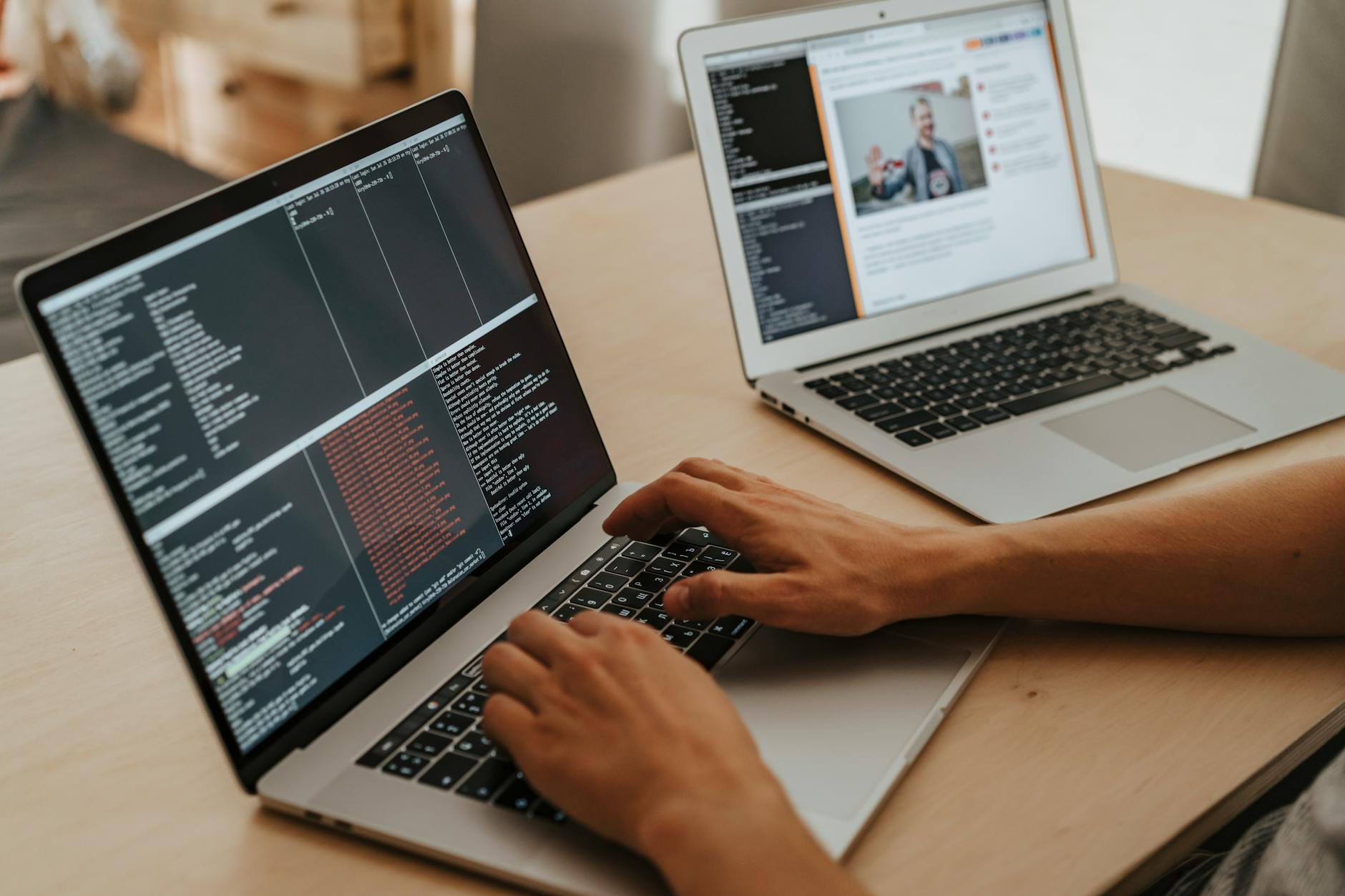
Operating system problems and software installation requests stay organized and easy to discuss.

Data backup assistance and battery replacement are discussed with a practical, calm process.
FAQ
These answers help Bengaluru customers know what information to share first.
Get in touchContact
The fastest way to begin is to share what the device is doing and what you have already noticed.